Microsoft 365 Copilot: a free introduction for NZ businesses
Learn which Copilot you have, write useful prompts, explore Microsoft 365 apps, and set safe habits for work.
Next up:
No login needed. Progress is saved in this browser only.

- Time
- 88 minat your own pace
- Modules
- 4each starts with a short video
- Lessons
- 21with practice tasks
- Quizzes
- 4pass mark 80%
Course outline
Start here: Welcome to the course
-
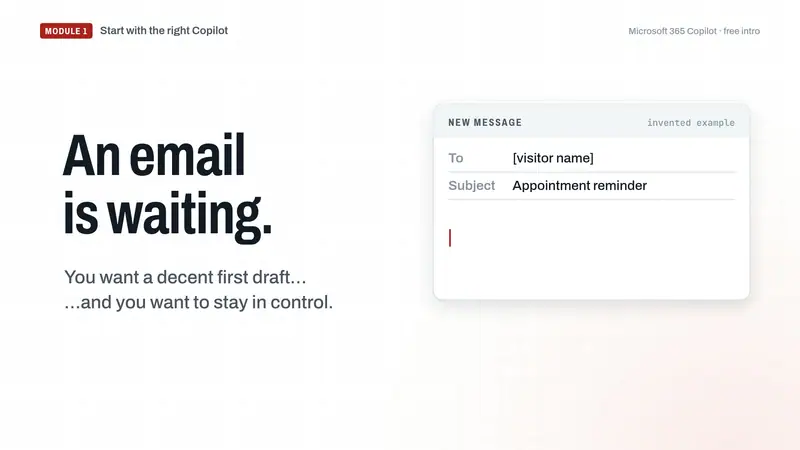
Module 118 minutes
Welcome and getting set up
Choose a suitable task, recognise your Copilot account and licence, and check privacy controls.
-
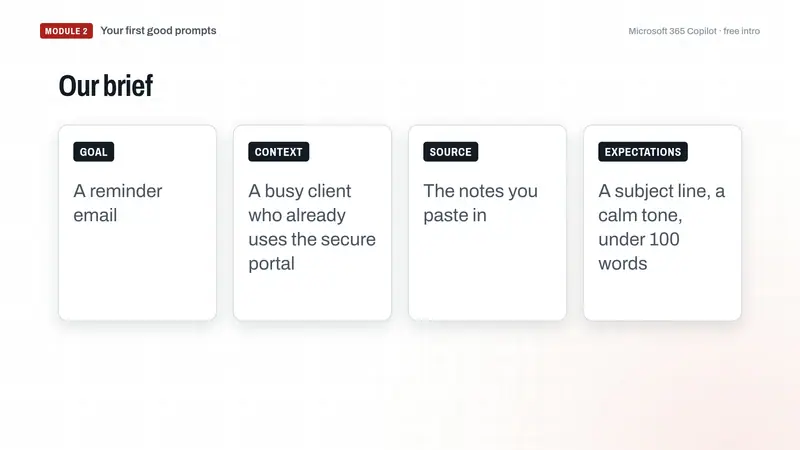
Module 223 minutes
Your first good prompts
Turn a vague request into a clear draft, then check and improve it.
-
Module 323 minutes
Copilot in your Microsoft 365 work
Understand work grounding and try a safe task in Word, Excel, Outlook or Teams.
-
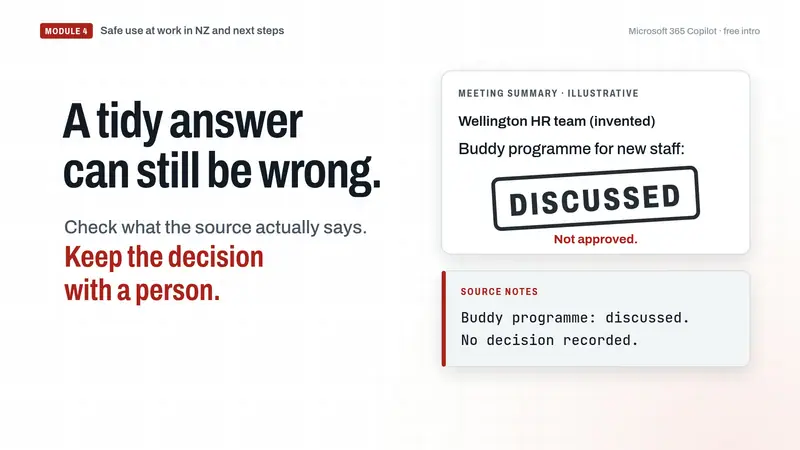
Module 424 minutes
Safe use at work in NZ and next steps
Protect information, verify answers, draft a team rule and make a seven-day practice plan.
Use invented or public information in the exercises. Your progress stays in this browser; clearing site data removes it.
Train your team
- ScopeHeadcount, sites, Microsoft 365 plan and licences, and the teams you want to start with.
- PlanWe propose a course, a pilot group and a format, and agree the files and meetings to use.
- TrainOn-site or over Teams, in Outlook, Word, Excel and Teams, with your own work.
- In person
- Remote
- Half-day workshop
- Full-day workshop
- Team rollout
Independent training by TheColab. Not affiliated with Microsoft.
Enquire
Tell us about your team. We reply by email with a suggested course and format.